Mobile gaming has changed a lot over the years. Games are no longer simple apps that use very little power. Today, many mobile games use advanced 64-bit engines, large open-world maps, and high-quality graphics. Because of this, Android emulators on PC face a common problem. Some emulators use too many system resources to maintain smooth performance. Others use fewer resources but struggle with lag and frame drops during heavy gameplay.
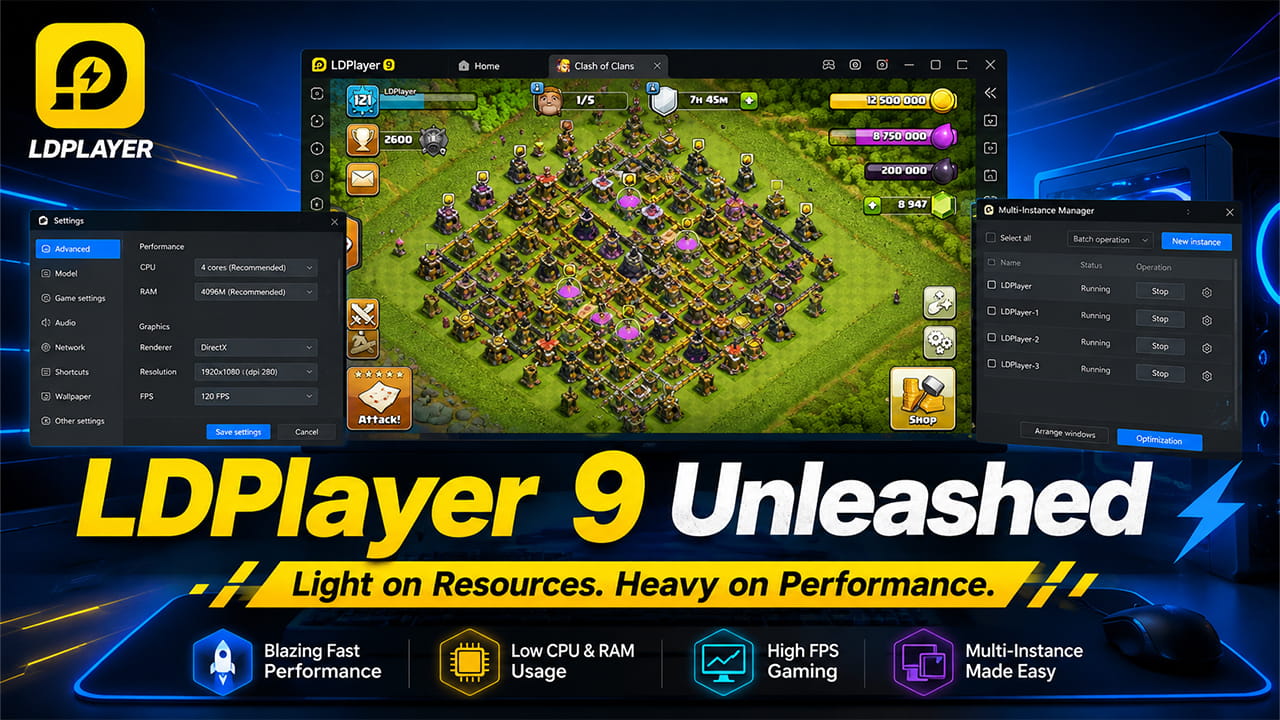
LDPlayer 9 aims to solve this problem. It runs on an optimized Android 9.0 Pie kernel and is designed to use fewer CPU and GPU resources while still delivering strong gaming performance. According to the developers, the goal is to provide a lightweight system that can handle demanding games smoothly across different hardware setups.
This review looks at the technology behind LDPlayer 9, its performance results, and the settings that can help improve the gaming experience.
The Core Design: Android 9 Kernel and Memory Improvements
Unlike some older emulators that still rely on outdated software layers, LDPlayer 9 uses a modern Android 9.0 foundation. One important improvement is its support for both 32-bit and 64-bit APK files within the same environment.
In many older emulators, users had to install different versions of the emulator depending on the game architecture. LDPlayer 9 removes this extra step by using a unified runtime. As a result, game compatibility becomes simpler and easier to manage.
The Virtualization Layer
A major reason for LDPlayer 9’s performance is its virtualization system.
Instead of depending heavily on software translation, the emulator uses hardware virtualization features built into modern processors. These include Intel VT-x and AMD-V technologies.
The process works like this:
[ Android Runtime / App (Guest) ]
               │
               ▼
   [ LDPlayer 9 Unified Kernel ]
               │
               ▼
 [ Windows x86_64 Host via VT-x / AMD-V ]
This approach allows Android instructions to communicate more directly with the Windows system. Because of that, the emulator reduces translation overhead that often causes lag spikes and micro-stutters during fast gameplay.
Games that require quick reactions benefit the most from this design because frame delivery remains more consistent.
Graphics Rendering System
LDPlayer 9 gives users several graphics options. This flexibility helps the emulator work on both newer and older PCs.
Vulkan Support
Vulkan is designed for modern games and graphics hardware. It lowers CPU workload and allows more efficient communication with the GPU.
For demanding mobile games, Vulkan can provide smoother performance and better frame stability.
OpenGL+ and DirectX
Not every computer supports Vulkan properly. Because of that, LDPlayer 9 also includes OpenGL+ and DirectX rendering modes.
These options offer reliable compatibility for older graphics cards, integrated graphics solutions, and older Windows installations.
Users can switch between these rendering modes to find the most stable option for their hardware.
Memory Management and Stability
One of the biggest improvements in LDPlayer 9 is its memory management system.
Older emulator versions sometimes experienced memory leaks during long gaming sessions. As memory usage increased, frame rates could gradually drop. In some situations, the emulator could even crash.
LDPlayer 9 uses a more aggressive memory cleaning system. It continuously removes cached assets that are no longer needed by the active game scene.
This process helps maintain stable performance during extended gaming sessions. It also improves reliability when running multiple emulator instances at the same time.
Performance Testing Across Different Hardware
To see whether the lightweight design delivers real results, performance was tested on two different system configurations.
Mid-Range System
- Intel Core i5-10500
- 16GB DDR4 RAM
- NVIDIA GeForce GTX 1660 Ti
- Windows 10
Entry-Level System
- Intel Core i5-7500
- 8GB DDR4 RAM
- Intel HD Graphics 630
- Windows 10
Benchmark Results
| Performance Metric | Mid-Range Setup (GTX 1660 Ti) | Low-End Setup (Intel HD 630) |
|---|---|---|
| Average Cold Boot Time | 14 seconds | 28 seconds |
| Idle RAM Usage | 320 MB | 410 MB |
| 60 FPS Stability | 99.2% | 87.4% |
| 120 FPS Support | Stable at 115–120 FPS | Not Recommended |
| Multi-Instance (3 Active) | 22% CPU / 4.2GB RAM | 78% CPU / 6.8GB RAM |
The results show that LDPlayer 9 performs very well on systems with dedicated graphics cards.
However, the more impressive result comes from the entry-level setup. Running modern 3D games on Intel HD 630 graphics is usually difficult for many emulators. Even so, LDPlayer 9 maintains playable frame rates by managing CPU workloads efficiently and reducing unnecessary resource usage.
This allows older systems to achieve a smoother gaming experience than expected.
Advanced Features for Power Users
LDPlayer 9 offers more than basic Android emulation. It includes several tools aimed at advanced users, competitive players, and people who manage multiple accounts.
LDMultiplayer
LDMultiplayer allows users to create and manage several Android environments at the same time.
Each instance can receive its own resource allocation settings. This gives users more control over CPU and memory usage.
Synchronizer
The Synchronizer feature copies inputs from one active instance to all other instances.
This is useful for users who manage multiple accounts simultaneously or test applications across several virtual devices.
Frame Rate Optimization
Background emulator windows do not always need high frame rates.
LDPlayer 9 allows users to limit inactive instances to around 10–15 FPS. As a result, more CPU power becomes available for the primary gaming window.
Macro Recording and Custom Controls
The built-in keymapping system supports both simple controls and advanced macros.
Players can create custom keyboard and mouse layouts for different games.
The macro system can also record repeated actions and automate common tasks. For example, users can automate menu navigation, repetitive button sequences, or skill combinations inside action games.
This helps reduce repetitive manual input and improves efficiency.
Troubleshooting Common Performance Problems
Even a lightweight emulator can face performance issues if system settings are not configured correctly.
Issue 1: Game Stuttering or Loading Stops at 50%
Cause
Virtualization technology is disabled in the BIOS.
Without Intel VT-x or AMD-V, the emulator must rely on slower software-based processing.
Solution
- Restart the computer.
- Enter BIOS or UEFI settings.
- Locate Intel Virtualization Technology or AMD SVM Mode.
- Enable the setting.
- Save changes and restart the system.
Issue 2: Hyper-V and Windows Sandbox Conflicts
Cause
Windows virtualization features can interfere with LDPlayer’s virtualization engine.
This may reduce performance or cause instability.
Solution
- Open the Start menu.
- Search for “Turn Windows features on or off.”
- Open the feature manager.
- Disable:
- Hyper-V
- Virtual Machine Platform
- Windows Sandbox
- Restart the computer.
- Run LDPlayer as Administrator.
Issue 3: Micro-Stutters on High Refresh Rate Displays
Cause
Frame timing can become inconsistent between the emulator and graphics drivers.
Solution
- Open LDPlayer Settings.
- Go to Advanced Settings.
- Assign CPU cores and RAM equal to roughly half of the system’s total resources.
- Open Game Settings.
- Enable High Frame Rate mode.
- Select 120 FPS or 240 FPS.
- Enable V-Sync through NVIDIA Control Panel or AMD Radeon Software.
These adjustments often improve frame pacing and reduce stuttering.
Download and Installation
LDPlayer 9 Download is quick and simple. Install the latest version from the official LDPlayer website and follow the setup instructions. The installation process only takes a few minutes on most systems. After installation, launch the emulator, sign in to the Google Play Store, and start downloading games. For the best performance, make sure Intel VT-x or AMD-V virtualization is enabled in the BIOS.
Is LDPlayer 9 Worth Installing?
LDPlayer 9 successfully delivers on its main goal. It provides a streamlined Android environment without the heavy resource usage often seen in competing emulators.
Its Android 9.0 foundation supports modern 64-bit applications while keeping system overhead low. Memory management has improved significantly, and multi-instance performance remains stable even during long sessions.
Users with limited RAM or older processors will likely notice the biggest benefits. The emulator runs efficiently, remains responsive, and offers strong compatibility with modern Android games.
Some setup work is still required. Hardware virtualization must be enabled, and a few system settings may need adjustment. Once configured properly, however, LDPlayer 9 offers a fast, stable, and lightweight Android gaming experience that performs well across a wide range of PC hardware.