High-quality videos, 4K movies, large mobile games, and photo collections take a lot of storage space. Because of this, users need a fast and simple way to transfer files between devices. However, many file-sharing methods still create problems. Bluetooth is slow. Cloud storage depends on internet speed. Some apps also show too many ads that interrupt the experience.
EasyShare has changed this situation in a simple but powerful way. Developed by Vivo Communication Technology, EasyShare has become one of the most trusted file transfer platforms in the world. More than 200 million users have downloaded it because it solves real file-sharing problems without making the process complicated.
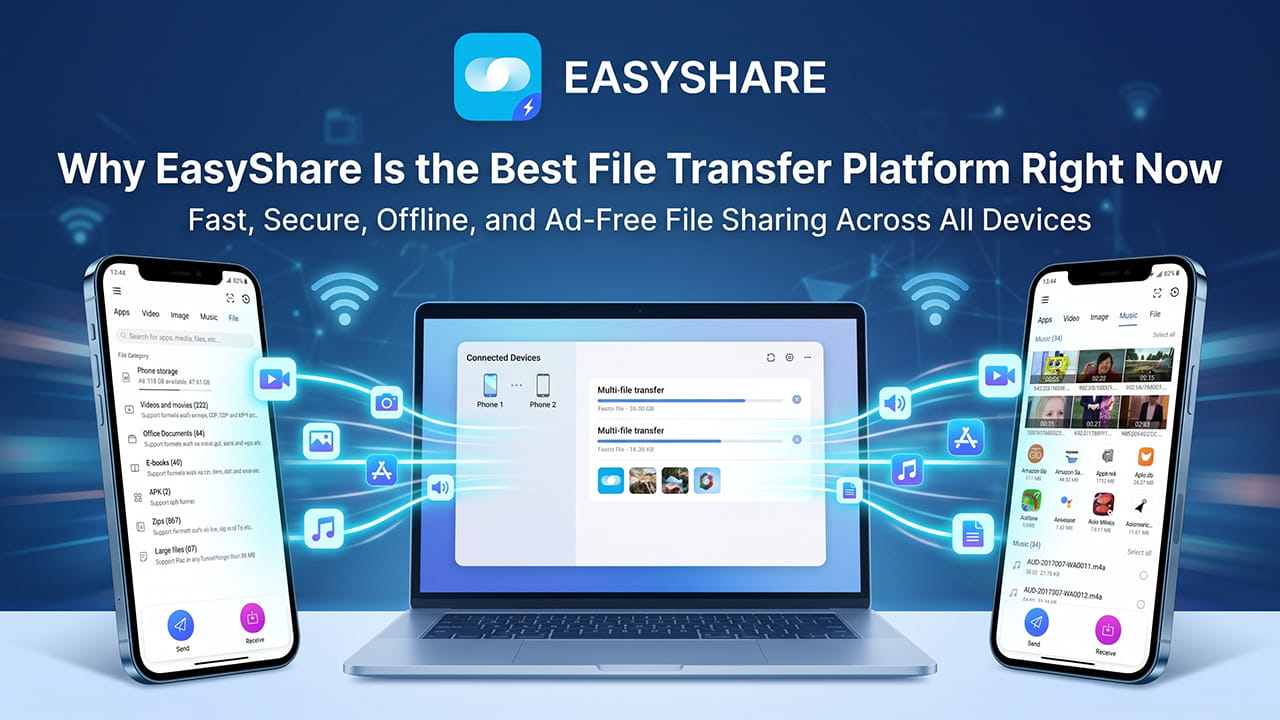
Fast Transfer Speeds Without Internet
The most important feature in any file transfer app is speed. Nobody wants to wait several minutes to move a video or a folder full of photos. Traditional Bluetooth connections are too slow for modern file sizes. Cloud services also depend heavily on mobile data or Wi-Fi speed.
EasyShare removes these limits completely. It uses advanced WLAN and Wi-Fi Direct technology to create a direct connection between devices. Because of this, files move much faster than many traditional methods.
Key Speed Benefits
- Transfer speeds can reach up to 40 MB/s.
- Large videos move in seconds instead of minutes.
- No mobile data is required.
- No internet connection is needed.
- Files transfer directly between devices.
This system works well in many situations. For example, users can share files during travel, in remote locations, or in places with weak internet connections. Since the transfer happens locally, mobile data costs also stay low.
Easy Cross-Platform Support
Many users own different devices from different brands. Some use Android phones with Windows laptops. Others use iPhones with desktop computers. Normally, transferring files between different operating systems becomes difficult.
EasyShare removes these barriers by supporting multiple platforms smoothly. The app creates a simple connection process between devices without requiring complicated setup steps.
| Source Device | Destination Device | Connection Method |
|---|---|---|
| Android | iPhone / iOS | Wi-Fi Direct / QR Scan |
| Windows PC | Android / iOS | Local Wireless Connection |
| Mac OS | Android / iOS | Wireless File Transfer |
Because of this flexibility, users can move files quickly between phones, tablets, and computers without worrying about compatibility problems.
Easyshare Features for Full Phone Transfer
Buying a new phone usually creates extra work. Users often worry about moving contacts, apps, photos, and messages safely. Many transfer tools fail during this process or miss important files.
EasyShare solves this problem with its Phone Replication system. This feature copies important data from an old device directly to a new device using a secure wireless connection.
Data That Can Be Transferred
- Contacts
- SMS messages
- Call logs
- Photos
- Videos
- Music
- Applications
- Documents
- Downloaded files
The transfer process stays simple. Users only follow a few setup steps, and the app handles the rest automatically. Since files move directly between devices, the setup time for a new phone becomes much shorter.
The secure wireless tunnel also helps keep private data protected during the transfer process.
Clean Interface Without Ads
Many modern file-sharing apps focus heavily on advertisements. Pop-ups, banners, and video ads often slow devices and interrupt the user experience. Some apps even block transfers until users watch advertisements.
EasyShare takes a different approach. The platform provides a clean and ad-free interface that focuses completely on file sharing.
This creates a smoother experience for users because the interface stays simple and organized.
EasyShare Features That Improve Daily Use
EasyShare includes several tools that make file management easier and faster.
Smart File Categories
The app automatically organizes files into sections such as:
- Apps
- Games
- Videos
- Images
- Audio
- Documents
This helps users find files quickly without searching through folders manually.
Storage Checking Before Transfer
Before starting a transfer, EasyShare checks the available storage space on the receiving device. This reduces transfer failures caused by low storage capacity.
No File Size Limits
Some transfer apps limit how much data users can send at one time. EasyShare removes these restrictions completely.
Users can transfer:
- Large ZIP archives
- Full game folders
- Long HD videos
- 4K footage
- Large work documents
The app handles these files without compression or forced size reduction.
Better Privacy and Security
Privacy is important when transferring personal or work-related files. Many users worry about cloud-based systems storing private data on external servers.
EasyShare keeps transfers local between devices. Files do not need to pass through cloud storage systems during the sharing process.
Security Benefits
- Encrypted file transfers
- Secure QR code verification
- Direct device-to-device connection
- No cloud file storage
- Reduced third-party access risks
Because the app works locally, user data stays under direct control during the transfer session.
The QR-based connection system also helps prevent unwanted access from nearby devices.
Stable Performance for Large Transfers
Large file transfers often fail halfway because of unstable connections. This becomes frustrating when moving large videos or complete folders.
EasyShare focuses heavily on connection stability. Its wireless transfer system maintains strong local communication between devices during the transfer process.
This stability becomes especially useful when:
- Sending multiple large files
- Moving complete media libraries
- Backing up phone data
- Sharing large application packages
As a result, users experience fewer interruptions and faster completion times.
Why EasyShare Continues to Grow
The success of EasyShare comes from solving common problems in a direct way. The app focuses on speed, simplicity, and stability instead of unnecessary Easyshare features.
Many users now prefer tools that work instantly without requiring subscriptions, cloud accounts, or internet access. EasyShare matches these expectations well.
Its clean design also makes the app suitable for both casual users and professionals who need reliable file movement every day.
Final Words
File sharing should feel simple and fast. Users should not struggle with slow speeds, internet limits, advertisements, or complicated setup steps.
EasyShare delivers a smooth experience by combining fast wireless transfer speeds, offline functionality, cross-platform support, and strong privacy protection into one platform.
With transfer speeds reaching up to 40 MB/s, support for multiple operating systems, no file size limits, and a completely ad-free environment, EasyShare has become one of the strongest file transfer platforms available today.
Instead of acting like just another sharing app, EasyShare has created a new standard for modern file transfer.